Need to move your academy — or keep a backup? Lectful's Import / Export packages your settings and content into a single ZIP you can bring into another academy.
Export
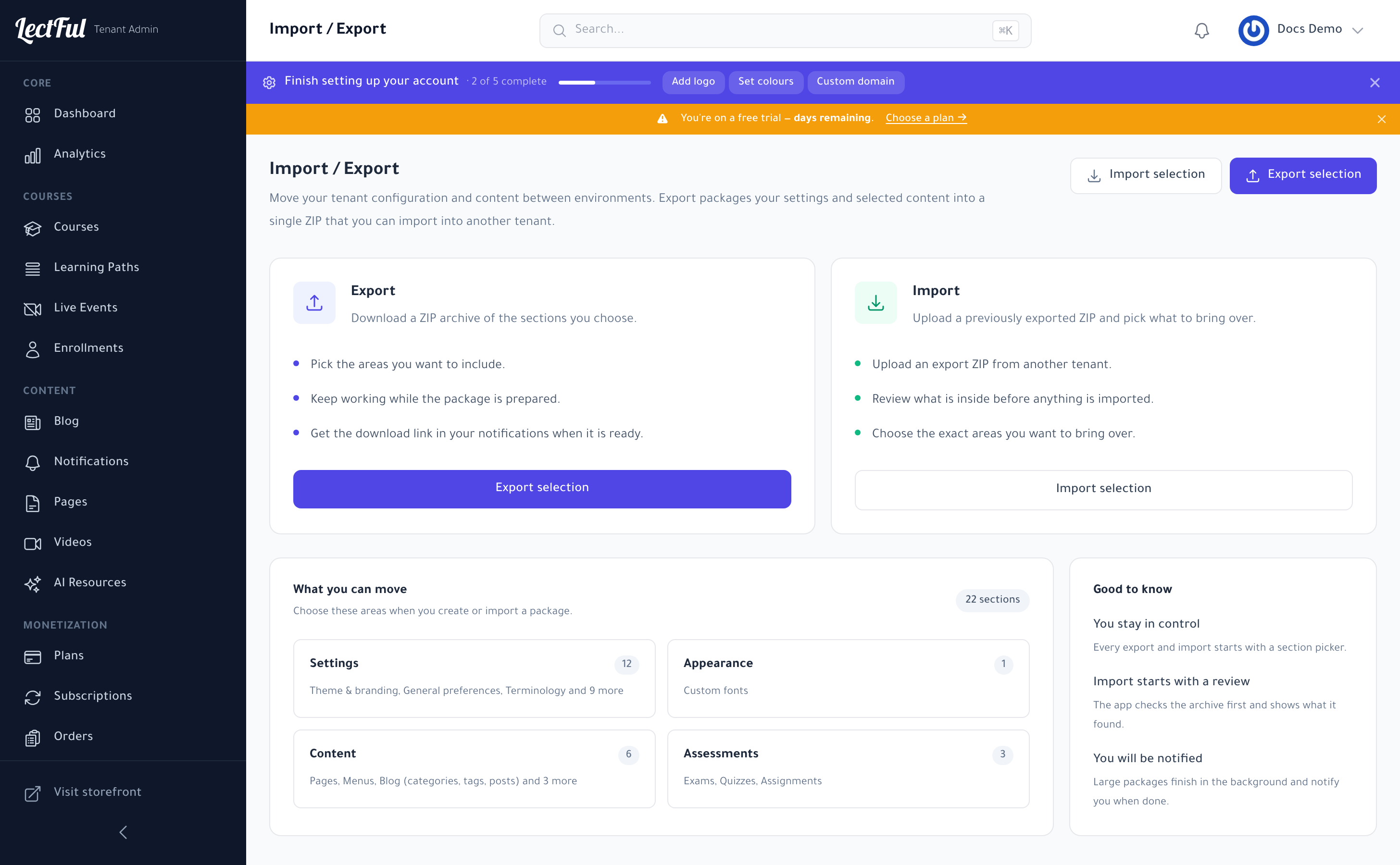
Under Settings → Import / Export, click Export selection, pick the areas to include, and Lectful builds a ZIP. Keep working while it's prepared — you'll get the download link in your notifications when it's ready.
Import
Click Import selection and upload an export ZIP. Lectful reviews what's inside first and lets you choose exactly which areas to bring over — nothing is imported until you confirm.
What you can move
You can move Settings (theme & branding, preferences, terminology), Appearance (custom fonts), Content (pages, menus, blog), and Assessments (exams, quizzes, assignments) — 22 sections in all.
Large packages finish in the background and notify you when done. Every import starts with a review, so you always stay in control.