Everyone in your academy — you, your team, and your learners — lives under Users.
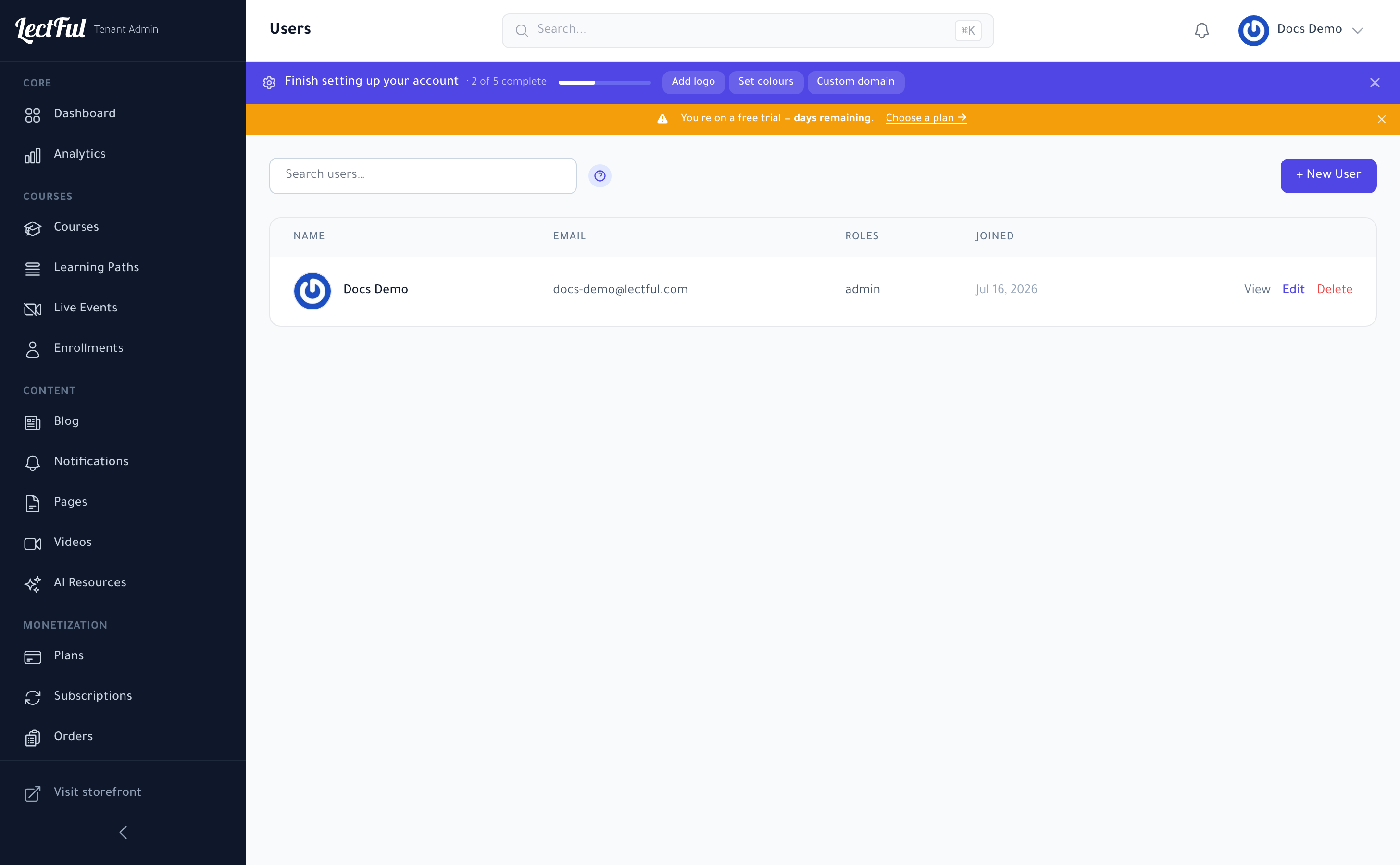
See and search users
Go to Users (under Users in the sidebar) to see everyone, with their email, role, and when they joined. Search to find anyone fast.
Add a user
Click + New User to add someone — a teammate, an instructor, or a learner — and assign their role (see Roles & permissions). You can View, Edit, or Delete any user from the list.
Add instructors and support staff here and give them the right role, so they can help run your academy without full admin access.