Give every learner a knowledgeable assistant that never sleeps. Lectful's AI Tutor answers questions using your content — grounded in your courses and the documents you add.
Feed it your knowledge
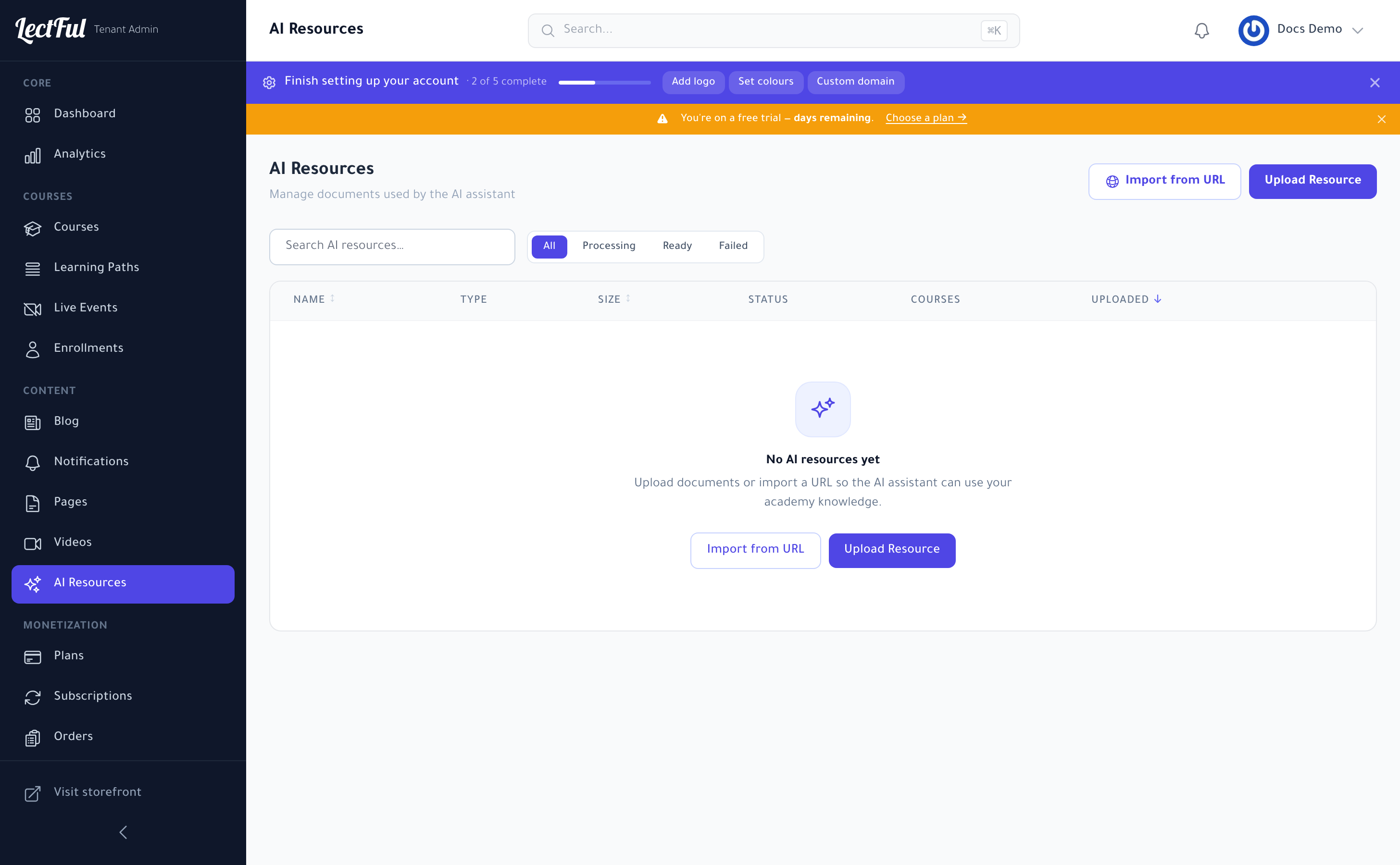
Go to AI Resources (under Content in the sidebar) to manage the documents the AI assistant draws on. Click Upload Resource to add files, or Import from URL to pull in a web page. Each resource is processed — you'll see its status move from Processing to Ready — and becomes part of your academy's knowledge.
Turn it on for a course
Open a course and use its AI Resources tab to attach resources and enable the tutor for that course. Learners can then ask questions any time and get answers based on your material — not generic ones.
Why it matters
The AI Tutor is like giving every student a personal teaching assistant. It lifts completion, cuts your support load, and is available around the clock — on every plan.