Assessments prove learning; certificates reward it. Here's how to add both.
Quizzes inside your course
Add quizzes as lectures within any section (from the course editor's Curriculum tab) to check understanding as learners go — with automatic grading and reusable questions.
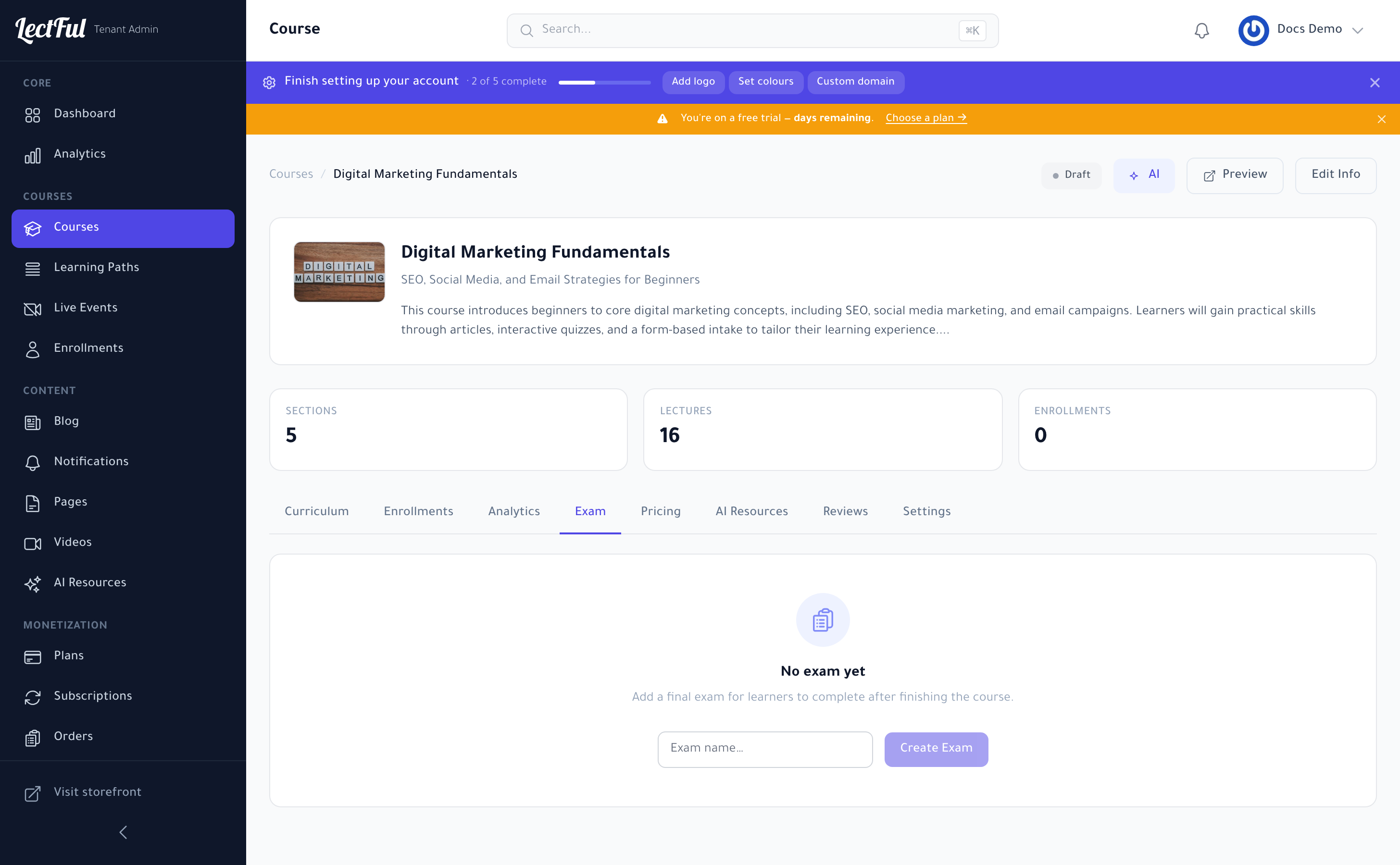
A final exam
Open a course and switch to the Exam tab. Give your exam a name, click Create Exam, then add your questions. Learners take it after finishing the course, and you can use it to gate the certificate.
Certificates
In the course's Settings tab, turn on a certificate and set the completion rule — finishing the course, or passing the exam with a minimum score. Design it to match your brand, and Lectful issues it automatically the moment a learner qualifies.
Tie the certificate to a passing exam score so it genuinely means something — then encourage learners to share it. Every post is free marketing for your academy.