Make your academy unmistakably yours. Branding lives under Settings → General, split across three tabs.
Branding
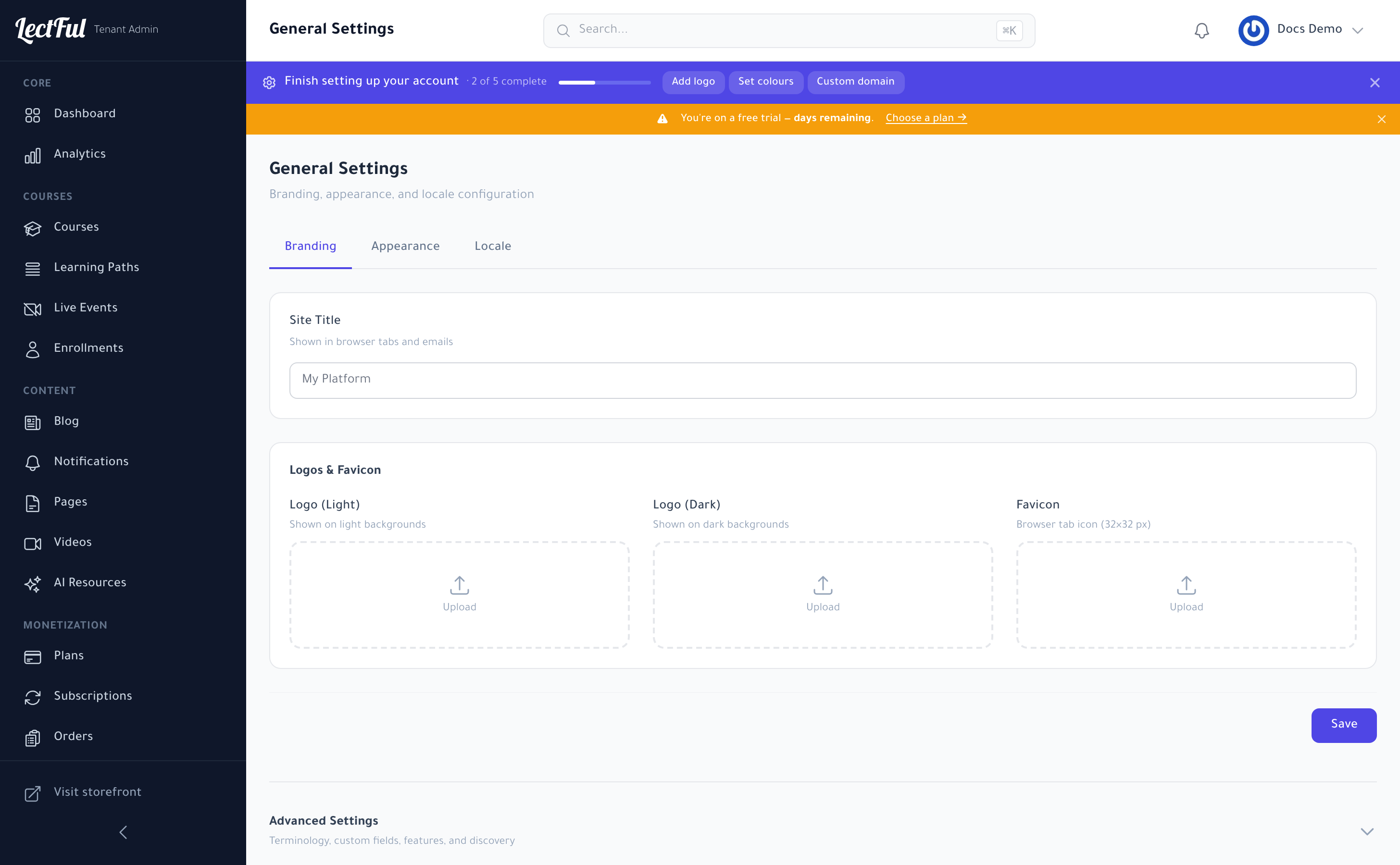
On the Branding tab:
- Site Title — shown in browser tabs and emails.
- Logo (Light) and Logo (Dark) — shown on light and dark backgrounds.
- Favicon — the little 32×32 browser-tab icon.
Upload each and click Save. (The setup checklist's Add logo shortcut brings you right here.)
Appearance
The Appearance tab is where you set your colours and theme — the Set colours shortcut lands here.
Locale
The Locale tab controls your academy's default language and regional settings.
Custom fonts
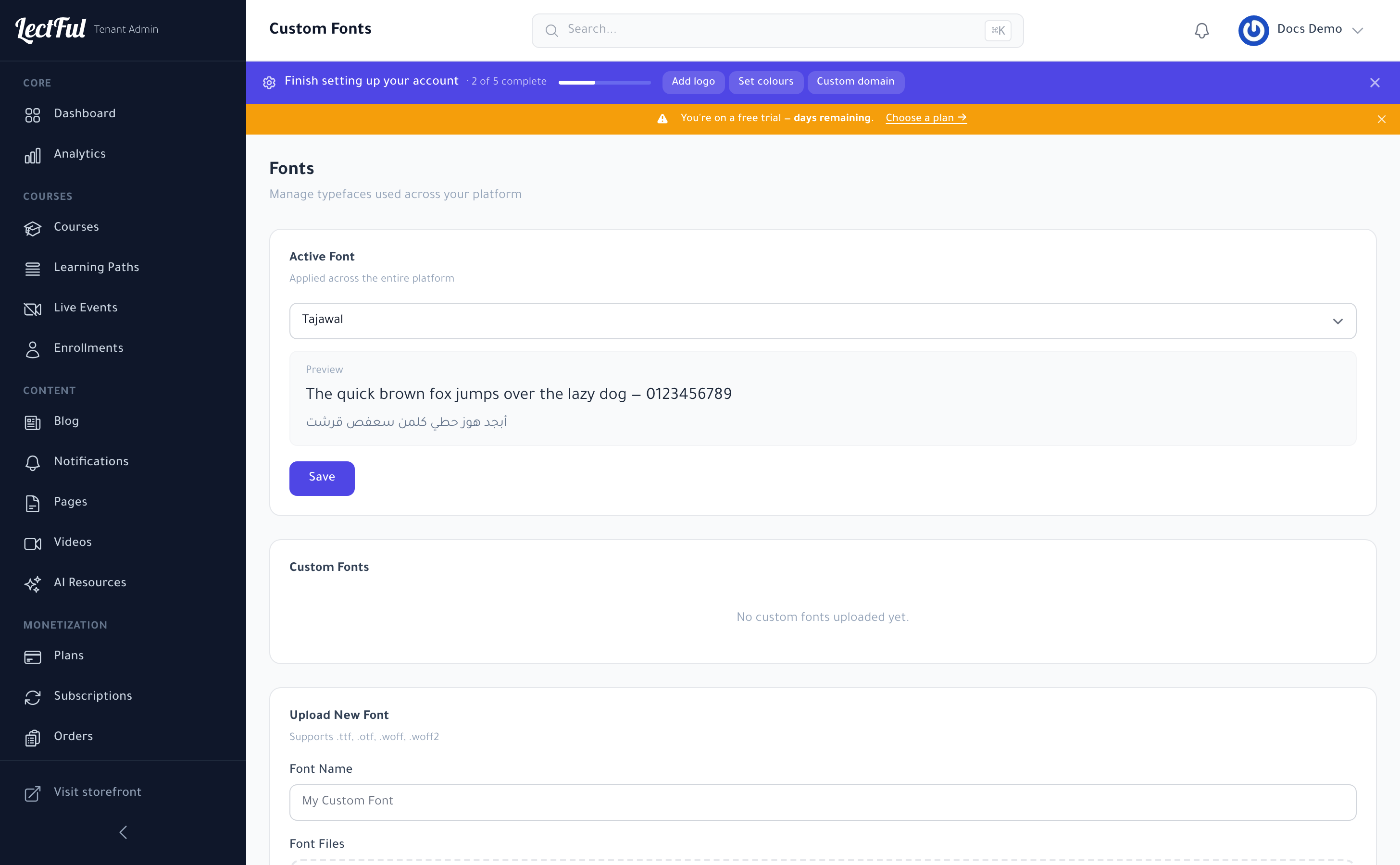
Want your own typeface? Go to Settings → Fonts to add custom fonts and apply your brand's typography across the storefront.