Once learners arrive, Lectful gives you two views: who's in, and how it's going.
Enrollments
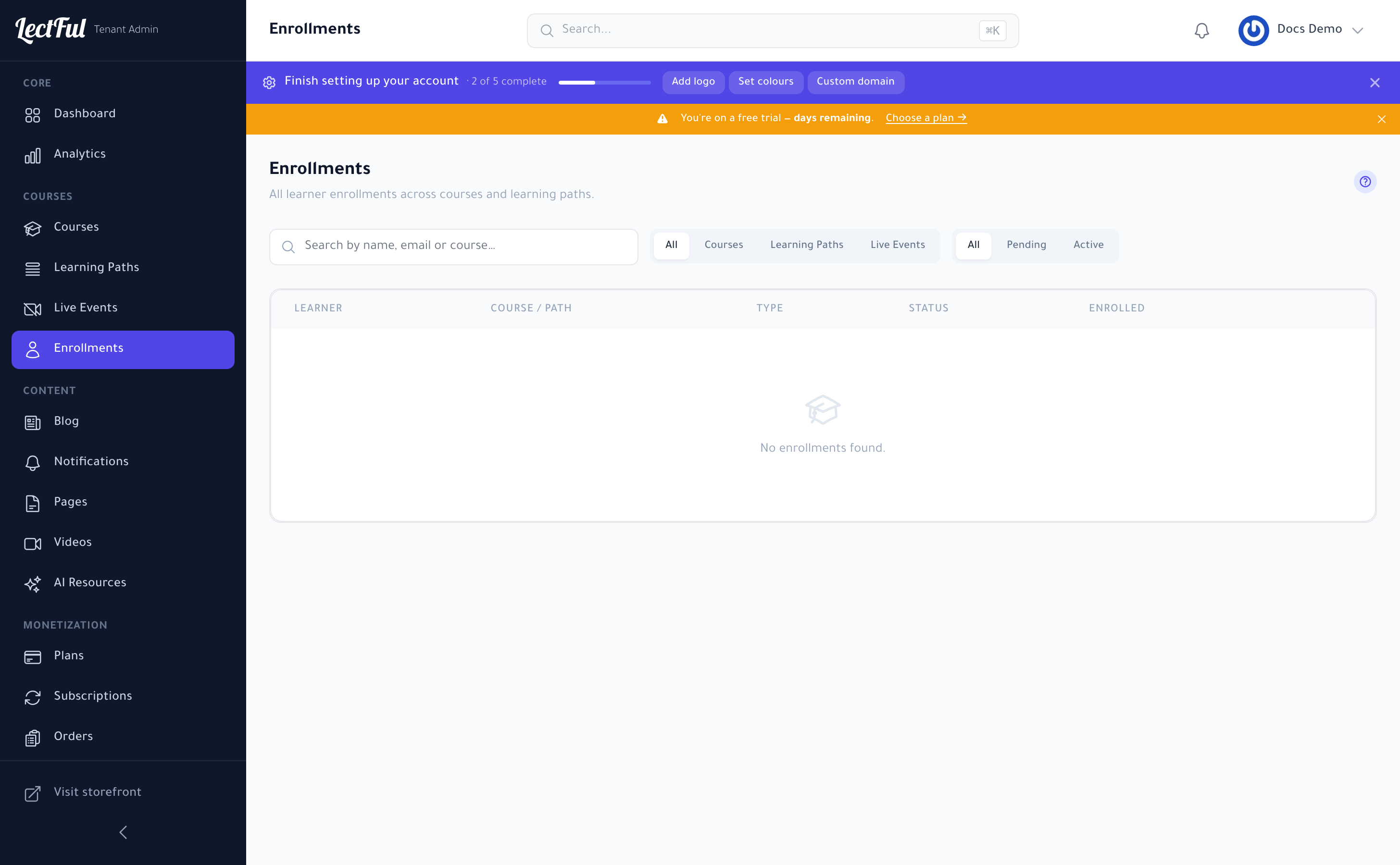
Go to Enrollments in the sidebar to see everyone enrolled across your courses and plans. From here you can enroll learners manually, grant or revoke access, and keep track of who's active.
Analytics
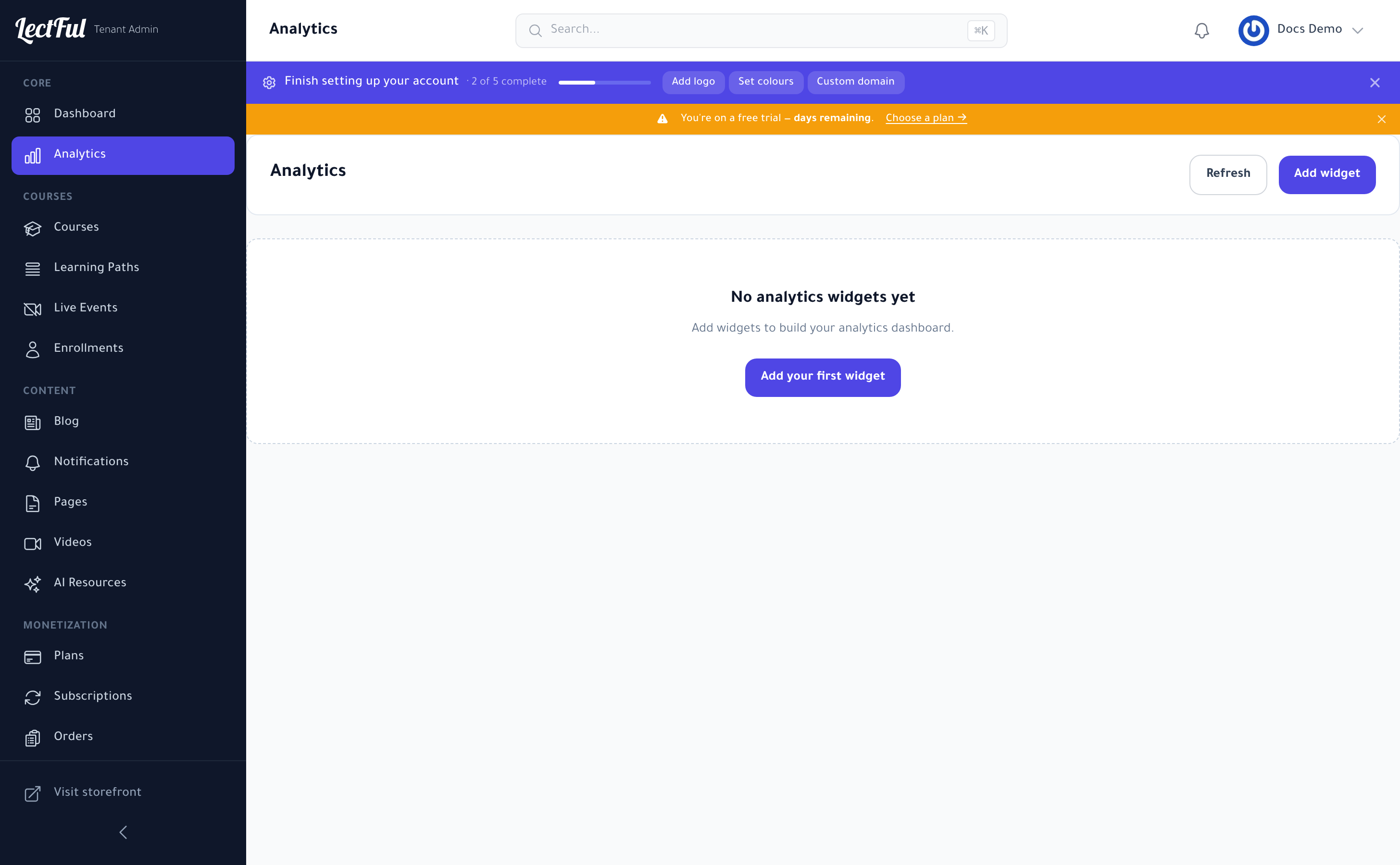
Analytics is a build-your-own dashboard. Click Add widget to add the metrics you care about — enrollments, revenue, engagement, completion — arrange them into a dashboard, and hit Refresh for the latest numbers.
Watch completion and drop-off by course. Where learners stall is exactly where a shorter lesson, a quiz, or a nudge will lift your results.
Advanced analytics come with the Launch plan and above.