You can sell courses and get paid on your own branded storefront. Here's how to connect a payment provider.
Connect a provider
Go to Settings → Payments and connect the provider available in your region — Stripe, PayPal, or Mangopay. Follow the prompts to link your account.
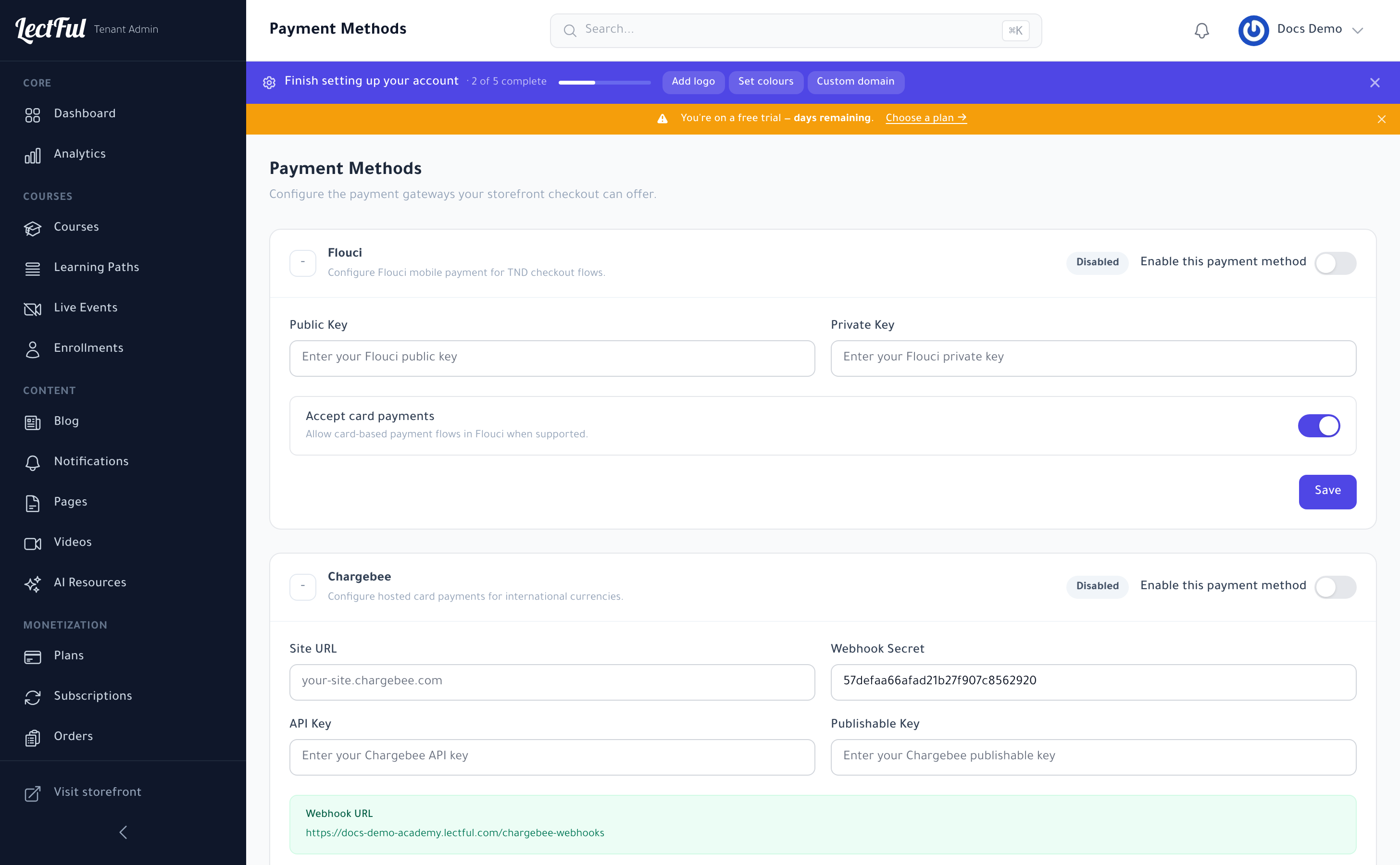
Get paid
Once connected, learners check out securely on your storefront and payouts go directly to you, in your currency.
Set your prices
- Sell a course on its own from the course Pricing tab.
- Or bundle courses into Plans (subscriptions and memberships) under Monetization.